Aquarium Designer
Plan a beautiful freshwater or reef tank by describing the style, plants, rocks and fish. See a realistic aquascape concept before buying a single stone.
Free to use · Chat-style results
An example
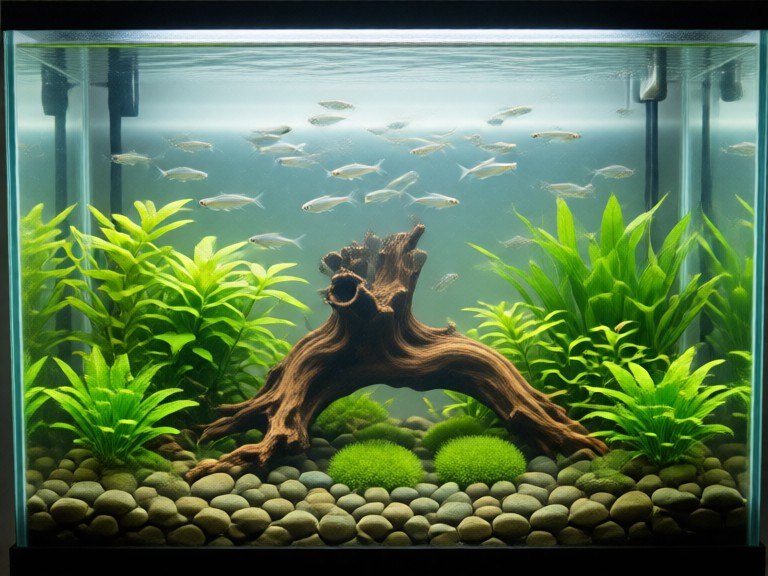
A picture made with this tool.
How to use Aquarium Designer
1. Pick your options
Choose a style, upload an image if the tool asks for one, or type what you want.
2. Hit Generate
The AI does the work in seconds — free to use.
3. Download or copy
Save your result, copy it, or tweak the options and run it again.
Free to use · Works in your browser
How the aquarium designer works
Describe your tank size and the style you like, such as a Nature Aquarium layout, an Iwagumi stone scape, a Dutch planted tank, a blackwater biotope or a reef. Add hardscape like dragon stone or spiderwood, favourite plants and fish species. The designer creates a front-view concept of the finished tank. Use it to plan your layout, then check plant needs and fish compatibility with your local aquarium store.
Tips for the best results
Classic aquascapes follow a rule of thirds, so ask for the main rock or wood slightly off centre. Name a few plant species to keep the look realistic. Small schooling fish like neon tetras or rasboras make tanks look larger. Always research water parameters, stocking levels and compatibility before buying livestock, since the concept image is only a visual guide.