Free AI Tool
Before & After Image Maker
Build honest before-and-after comparisons - side by side, stacked or split down the middle - with both images aligned at the same scale so the difference is the only thing that changes.
Free to use · Chat-style editing
Before and after
Made with this tool. Drag the handle to compare.
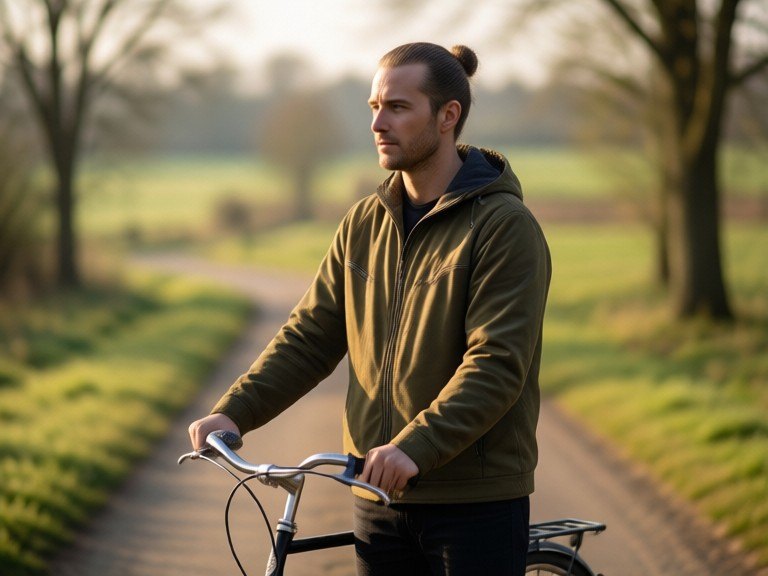
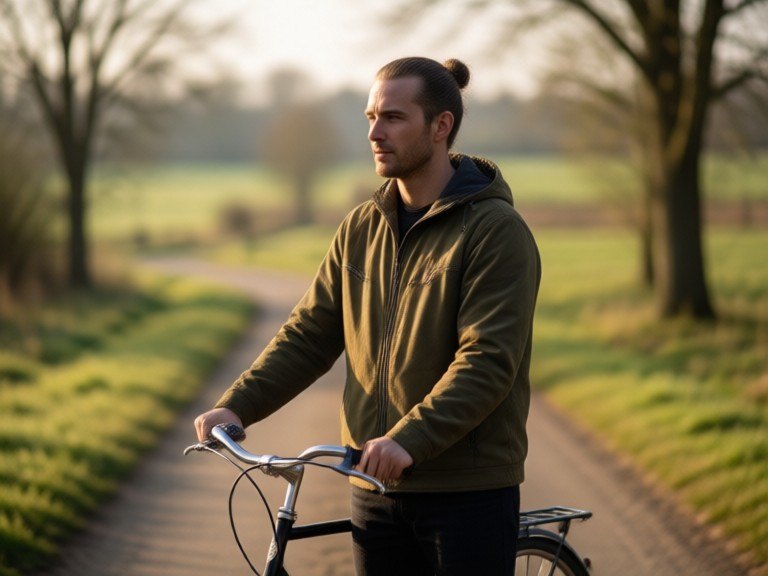 BeforeAfter
How to use Before & After Image Maker
1. Pick your options
Choose a style, upload an image if the tool asks for one, or type what you want.
2. Hit Generate
The AI does the work in seconds — free to use.
3. Download or copy
Save your result, copy it, or tweak the options and run it again.
Free to use · Works in your browser