AI City Art Generator
Describe a city - real-feeling, futuristic, ancient or ruined - and get an atmospheric cityscape with layered depth and cinematic light, ready for wallpapers, book covers, game concepts and mood boards.
Free to use · Chat-style results
An example
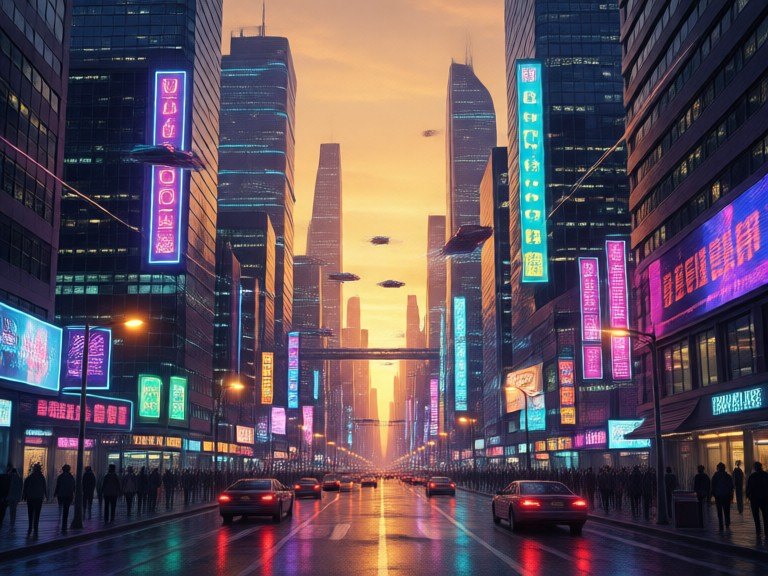
A picture made with this tool.
How to use AI City Art Generator
1. Pick your options
Choose a style, upload an image if the tool asks for one, or type what you want.
2. Hit Generate
The AI does the work in seconds — free to use.
3. Download or copy
Save your result, copy it, or tweak the options and run it again.
Free to use · Works in your browser
How the AI City Art Generator works
Write the city you can picture: era or style, viewpoint, weather and time of day. The generator builds a skyline with foreground, midground and hazy distance, then lights it consistently across reflections and window glow. Change one element per rerun - swap blue hour for fog, drop the camera to street level, add a river - and collect a few variations before picking the strongest frame.
Tips for the AI City Art Generator
Viewpoint drives everything: 'street level looking up', 'rooftop across the river' and 'high aerial' give completely different images from the same city. Add weather and time of day for mood, and name one landmark or feature to anchor the composition. Avoid asking for readable signage - generated lettering rarely holds up.