Free AI Tool
Bokeh Photo Effect
Add the soft out-of-focus glow a fast lens produces. Background lights turn into gentle discs while your subject stays sharp, giving a flat snapshot the depth of a wide-aperture portrait.
Free to use · Chat-style editing
Before and after
Made with this tool. Drag the handle to compare.
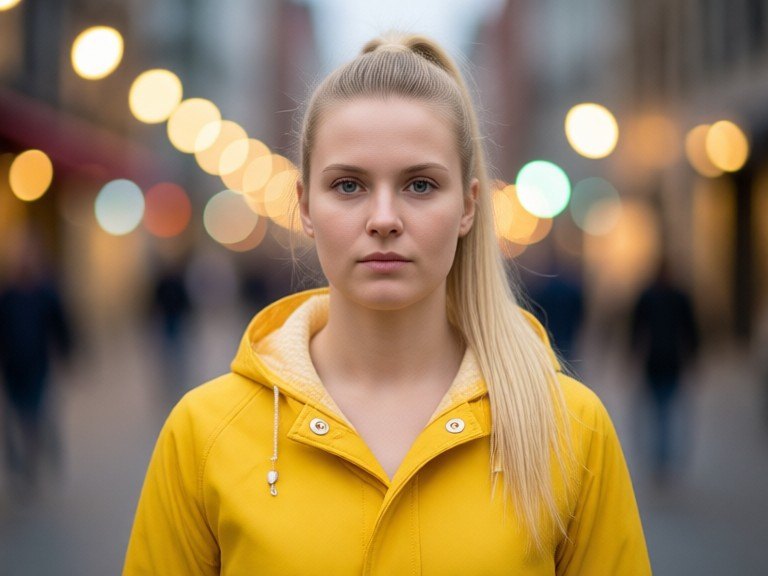
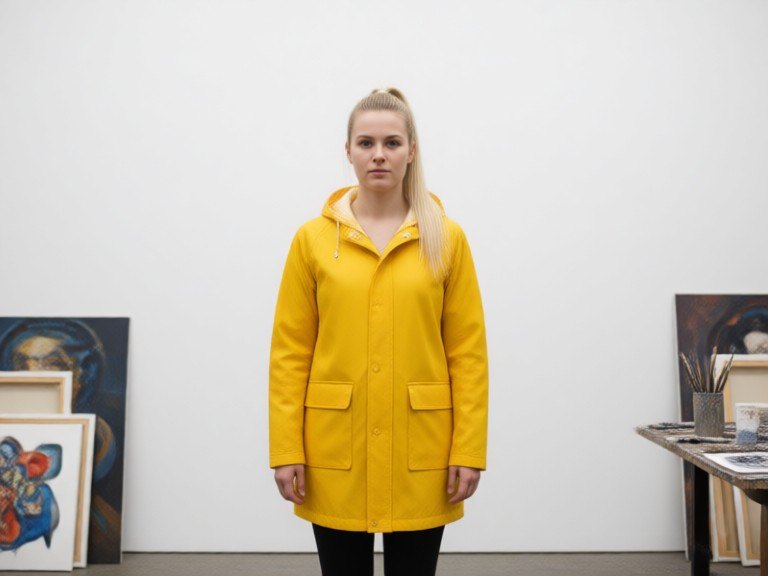 BeforeAfter
How to use Bokeh Photo Effect
1. Pick your options
Choose a style, upload an image if the tool asks for one, or type what you want.
2. Hit Generate
The AI does the work in seconds — free to use.
3. Download or copy
Save your result, copy it, or tweak the options and run it again.
Free to use · Works in your browser