Free AI Tool
AI Generative Fill
Fill a chosen part of a photo with new content or with more of the background. Describe the area and what should be there, and the fill is rendered to match the perspective, light and texture of the rest of the shot.
Free to use · Chat-style editing
Before and after
Made with this tool. Drag the handle to compare.
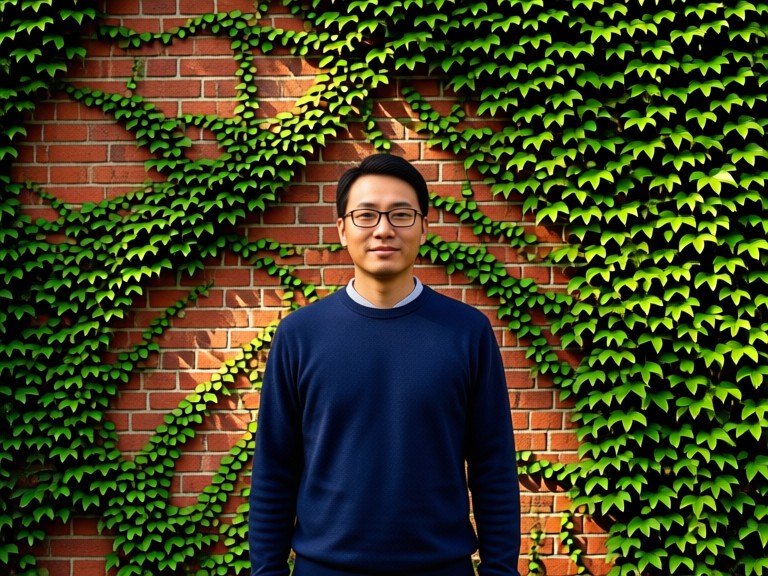
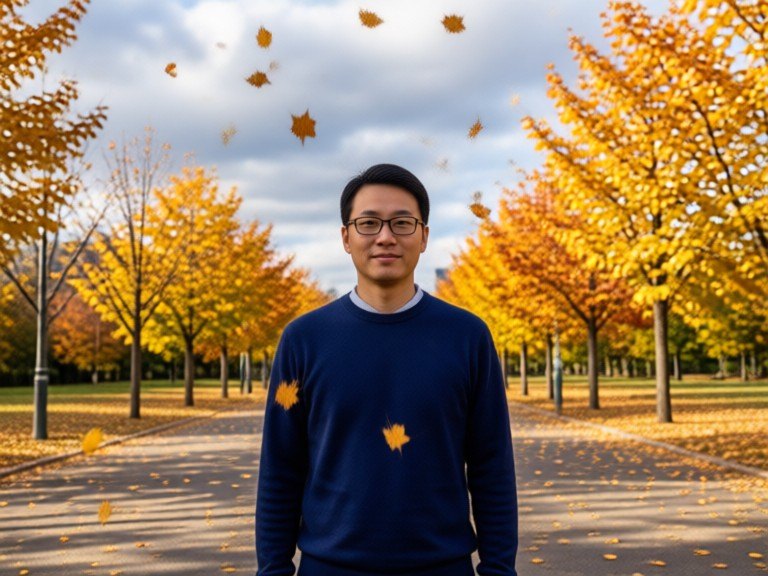 BeforeAfter
How to use AI Generative Fill
1. Pick your options
Choose a style, upload an image if the tool asks for one, or type what you want.
2. Hit Generate
The AI does the work in seconds — free to use.
3. Download or copy
Save your result, copy it, or tweak the options and run it again.
Free to use · Works in your browser