Free AI Tool
AI Photo Filters
Apply a proper photo filter - warm film, cool cinematic, rich black and white, faded vintage or soft pastel - graded across the whole tonal range rather than dumped on as a flat overlay.
Free to use · Chat-style editing
Before and after
Made with this tool. Drag the handle to compare.
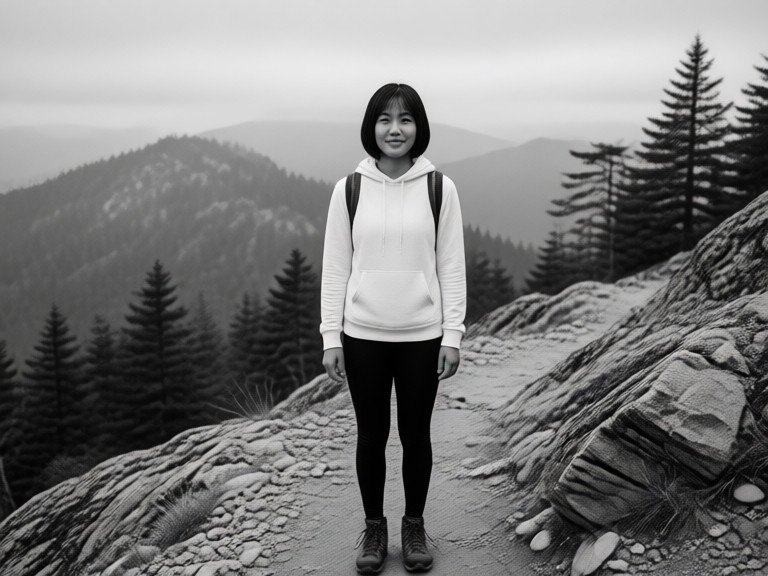
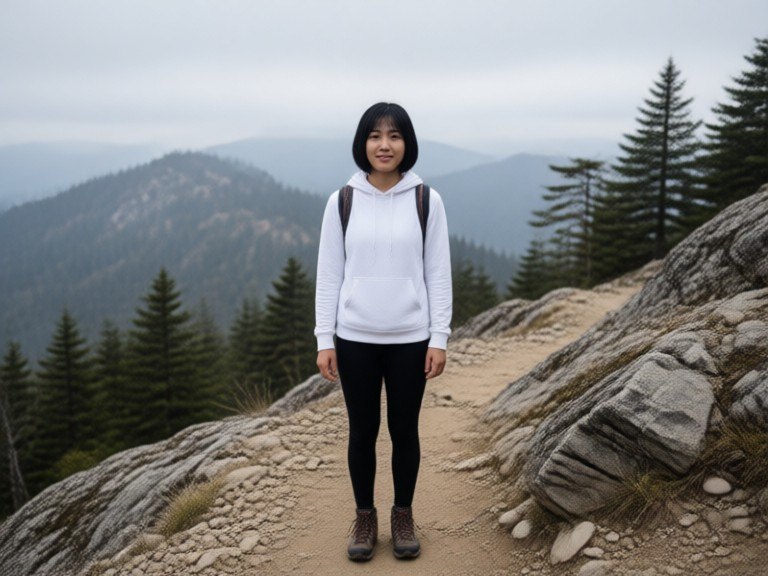 BeforeAfter
How to use AI Photo Filters
1. Pick your options
Choose a style, upload an image if the tool asks for one, or type what you want.
2. Hit Generate
The AI does the work in seconds — free to use.
3. Download or copy
Save your result, copy it, or tweak the options and run it again.
Free to use · Works in your browser